Part V: The Tool Landscape | Chapter 19
The Ethical Edge — Avatars, Lip-Sync and Cloned Voices
The Goal
By the end of this chapter you will know what avatar, lip-sync and voice-cloning tools can do, and where the line runs between a useful tool and a deception. You will know when you need written consent, what you must never do whatever the tool allows, and how to label synthetic media so viewers know what they are seeing.
Understand: tools that put words in a mouth
| Tool | What it does |
|---|---|
| Talking avatar | Makes a person speak from one photo, a short video or a stock actor |
| Lip-sync | Changes the mouth in an existing video so it matches new words |
| Voice cloning | Copies a voice from a short recording and lets it say any text |
| Face swap | Puts one person’s face on another person’s body |
All four can do something no editing tool could do before: make a real person say something they never said. That is why this chapter exists.
Understand: the tool will not protect anyone
Some services check consent. HeyGen, for example, asks the person to record a short consent statement before it makes a video twin of them from their footage. But the same service makes a talking avatar from a single photo without any consent check. Many other tools ask nothing at all. Whatever the tool allows, the responsibility is yours.
Understand: what the law says
In Kenya, a face and a voice that identify someone are personal data under the Data Protection Act of 2019, and biometric data counts as sensitive. You need the person’s consent to use them, and for children the consent of a parent or guardian. Publishing false information as if it were true can also be an offence under the Computer Misuse and Cybercrimes Act of 2018. This book is not legal advice. If you are unsure, ask a lawyer before you publish, not after.
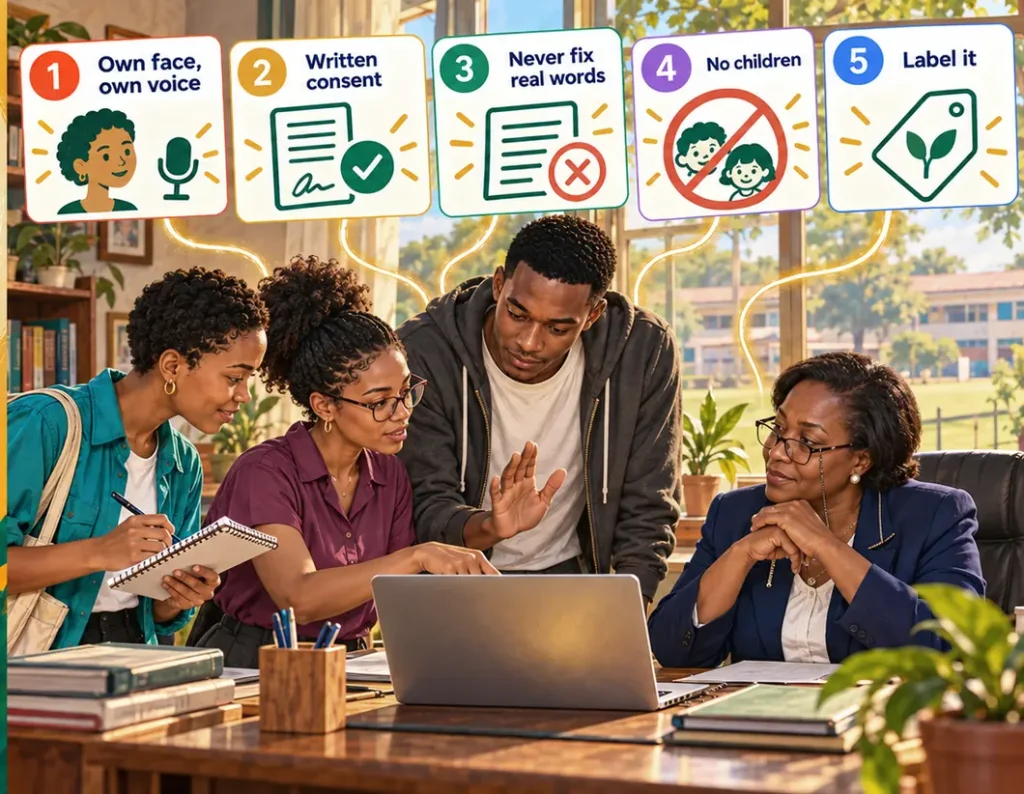
Understand: the red lines
The landscape at a glance
Being checked by the Missing Linkk team. Prices and plans change often: check them before you pay.
| Tool | What it does | Consent check | Use it for |
|---|---|---|---|
| HeyGen | Avatars from video or a photo, lip-sync, video translation | For video twins yes; for photo avatars no | Fictional characters; your own avatar |
| Synthesia | Presenters from stock actors, or your own avatar | Explainers with a labelled stock presenter | |
| sync. | Lip-sync on existing video | Your own footage, for example a translation of your own words | |
| ElevenLabs | Voice cloning | Your own voice only, or with written consent |
Hands-on: consent and labelling
When someone’s face or voice goes into a synthetic version, get it in writing first.
- Describe exactly what will be made: an avatar, a cloned voice or a lip-synced clip, for which project, where it will appear and for how long.
- State that the person may withdraw consent, and what happens to the files then.
- State who keeps the original recordings, where, and when they are deleted.
- Both of you sign and date it, and the person keeps a copy.
- Label the result where viewers see it: at the start or end of the video and in the description, for example “This video uses an AI-generated avatar” or “Voice generated with AI”.
- Keep the signed form in the project folder, in 06_Handover, with the other consent forms.
See It in Action
The open day film is cut. In her welcome, Mrs. Wambui says to camera: “Applications close on the thirtieth of November.” The real date is the thirteenth. Nobody noticed on the day.
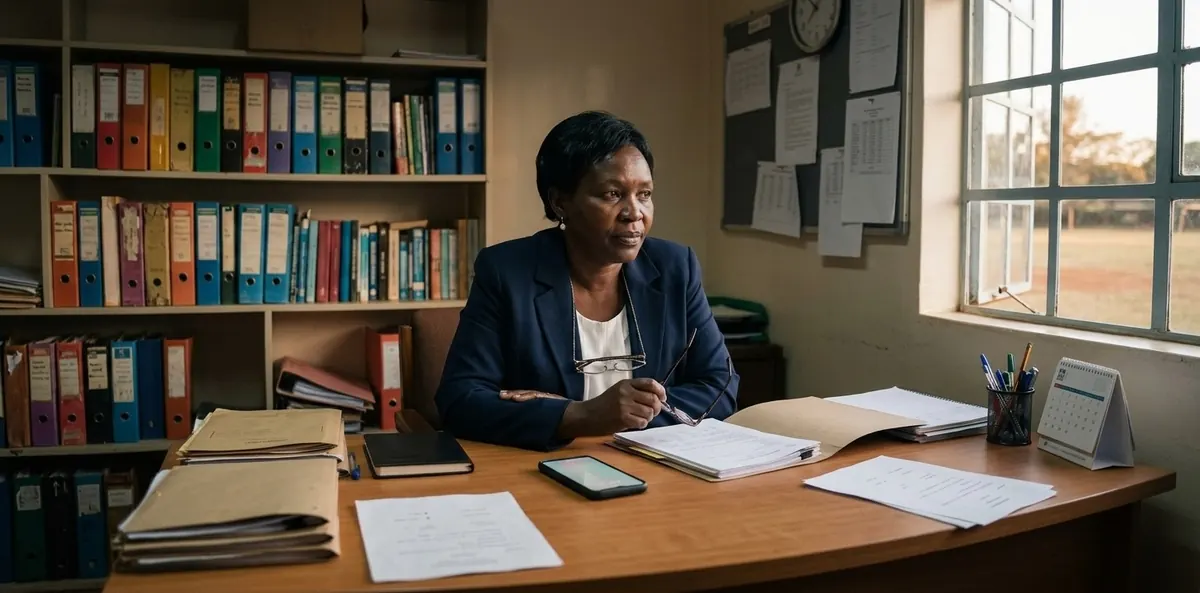
Achieng finds it while checking the subtitles. “We don’t need to drive back to the school,” she says. “With a lip-sync tool we can make her say thirteenth. It’s her own face and her own message. She’ll agree.” She already has the tool open.
Otieno raises his hand. He read the terms of these tools for his research. “This one would let us do it from one photo, without asking anyone. That’s exactly why we shouldn’t.” Zawadi is torn. Re-filming costs half a day and the trip. But she remembers what the parents said at the gate about trust. “If the date can be changed in her mouth,” she says slowly, “what else could be?”
They call Mrs. Wambui and explain both ways. She is quiet for a moment. “If parents ever find out that the film put words in my mouth, why should they believe the fees in it?”
The solution is simpler than either. Zawadi cuts the sentence after “Applications close on…” and shows the date as large text on screen: “13 November”. It is clearer than a spoken date anyway. For the website version, Mrs. Wambui records the sentence again on her phone the next morning and sends it on WhatsApp.
Then Mrs. Wambui has a question of her own. Could Twiga explain the four steps of applying, for children and parents, in a short video? Here an avatar tool is exactly right: Twiga is a fictional character, the voice is generated and labelled, and no real person’s face or voice is used. There is only one problem, the same one Otieno marked in Chapter 16: Twiga needs to look the same in every shot. That is the job for Chapter 20.
Try It Yourself
- Go through your project and list every real face and voice in it.
- For each, write down: is there consent in writing, and does it cover AI use?
- Draft a consent form for one synthetic use you might need, such as your own cloned voice.
- Write the label you would put on it, for the video and for the description.
Copy & Paste
A consent form:
Write a simple, one-page consent form in English for this use of a person's face or voice: [describe what will be made, for which project, where it appears, for how long].
Include: what exactly will be made, where it will be used, that consent can be withdrawn and what then happens to the files, who keeps the original recordings and when they are deleted, signatures and date.
Use plain language a non-lawyer understands. Add a note that a lawyer should check it before use.
Is this a red line?
I want to use AI for this: [describe the plan].
Check it against these rules: own face or voice, fictional character, adult with written consent, correcting what a real person said, children, public figures.
Tell me which rule applies, whether I may do it, what I need first, and a simpler alternative without synthetic media.
Key Takeaways
- Avatars, lip-sync and voice cloning can make a real person say what they never said.
- The tool won’t protect anyone; some check consent, many don’t.
- Your own face and voice and fictional characters are fine, labelled; other adults only with written consent.
- Never correct what a real person said with AI, and never use children’s faces or voices.
- Label synthetic media where viewers see it, and keep the consent forms.