
Part I: The Visual Creator | Chapter 4
From Images to Film
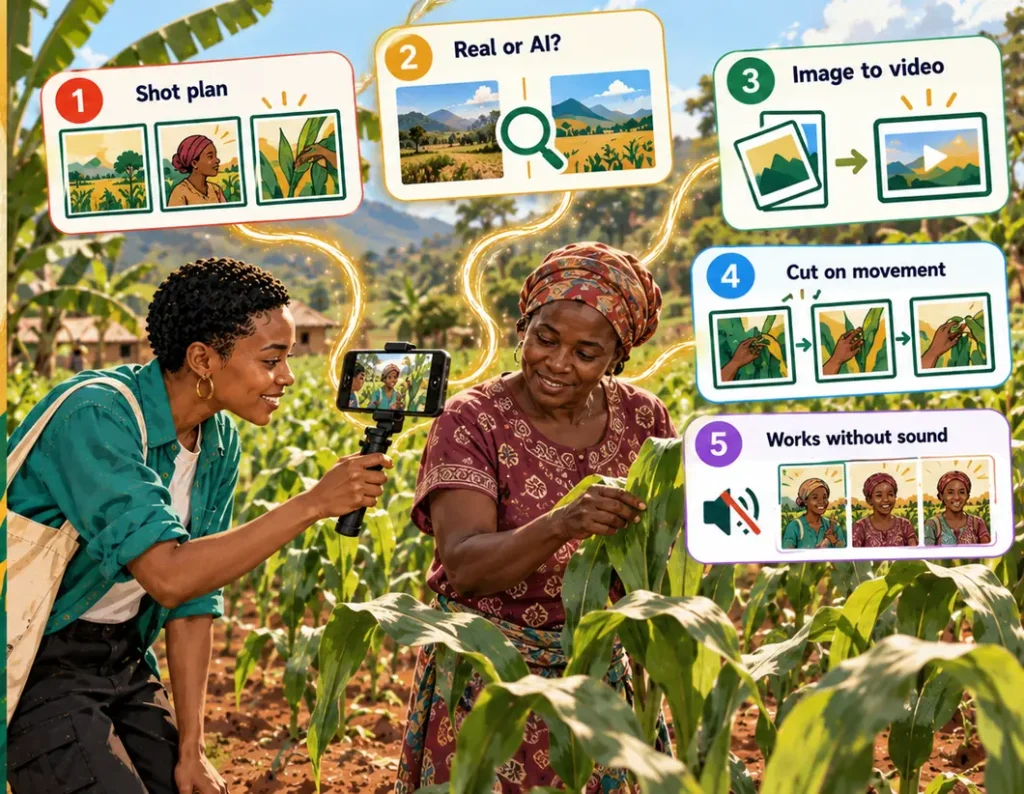
The Goal
By the end of this chapter you will be able to plan and make a short promotional film, from the idea to the export. You will know when to film for real and when AI video helps, how to turn a still image into a moving shot, how to edit for rhythm, and how to add voice, music and subtitles so the film works with and without sound. You will edit the film in CapCut on your phone and know what the professional route adds.
Understand: a film is not a slideshow
The most common beginner’s film is a row of still images with fades and music. That is a slideshow. A film has three things a slideshow doesn’t:
| Element | What it means | Why it matters |
|---|---|---|
| Movement | Things move in the frame, or the camera moves | It creates energy and directs the eye |
| Continuity | Each shot connects to the next | The viewer follows a story, not a collection |
| Rhythm | Shots have different lengths | Short feels urgent, long feels important |
Continue with Missing Linkk Learn
The rest of this chapter is for members. Early access is free until 31 March 2027: every chapter, every prompt, and your own results saved on your phone.